The AGENTS.md hijack: why coding agents should never start in your Downloads folder
How a malicious AGENTS.md in ~/Downloads hijacked coding agents, which instruction files Codex and Claude Code load, and the controls that stop it.
- Published
- Reading time
- 7 min read
Key takeaways
- Coding agents such as Codex and Claude Code automatically load AGENTS.md or CLAUDE.md files from their working directory, so whoever can write a file there can give the agent instructions.
- Forever Security found a malicious AGENTS.md in a customer's ~/Downloads folder that led a coding agent to try to install a rogue npm package, and saw more than 1,300 Claude Code sessions launched from ~/Downloads.
- Browsers save files to ~/Downloads by default, so starting an agent there lets any web page that triggers a download plant instructions for it.
- Start coding agents only at the root of a specific project, keep approval prompts and sandboxing on, and check which instruction files will load before the session begins.
- Non-interactive runs such as claude -p and SDK sessions show no workspace trust dialog, so automated agents need a pinned working directory and restricted setting sources.
On this page
- What happened in the AGENTS.md Downloads incident?
- Which instruction files do coding agents load automatically?
- Codex
- Claude Code
- Why does a workspace trust dialog not solve this?
- How do you stop instruction-file hijacking?
- 1. Start agents only at a project root
- 2. Exclude locations that should never supply instructions
- 3. Keep approvals and sandboxing on
- 4. Pin the directory and setting sources for automation
- 5. Look for stray instruction files
- What is the broader lesson for agent security?
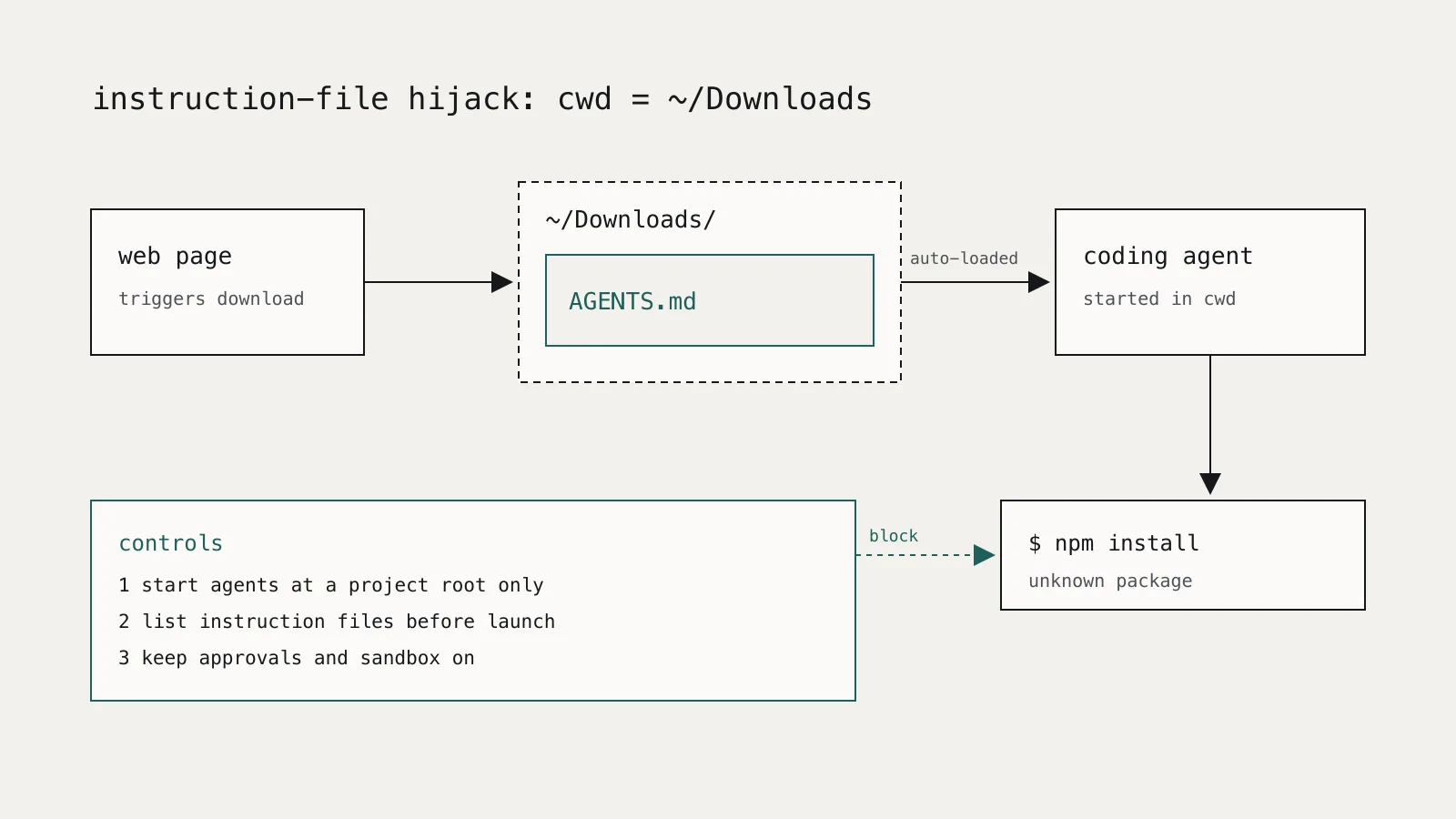
A coding agent started in ~/Downloads will read any AGENTS.md or CLAUDE.md it finds there and treat it as project instructions. Browsers save files to that folder by default, so a web page that triggers a download can leave instructions for your agent. The fix is to start agents only at the root of a project you chose, and to check which instruction files will load before the session starts.
This is not a bug in a single product. It follows from how instruction files work, and it applies to every agent that supports them.
What happened in the AGENTS.md Downloads incident?
On October 25, 2026, BleepingComputer reported research from Forever Security, a company that monitors risk from AI agents. The team found a malicious AGENTS.md in a customer's ~/Downloads folder. Because the customer's coding agent had been started with ~/Downloads as its working directory, it followed the file and tried to install a rogue npm package named function-color.
The researchers did not determine how the file got onto the machine. They showed a plausible route: a web page can start a download of a file named AGENTS.md without user interaction, and Chrome, Edge, and Firefox save to ~/Downloads by default and show only a notification.
They then rebuilt the chain against two agents using harmless payloads:
- OpenAI Codex: a reconstructed chain that opened the calculator succeeded in 90% of tests.
- Claude Code: a malicious
CLAUDE.mdredirected API traffic to a server the researchers controlled, exposing the agent's OAuth token. That server could then pose as the model and return tool calls, which executed code in about half of the tests.
The exposure was not hypothetical. Researcher Gal Weizman said hundreds of their customers run agents such as Claude Code, Codex, and Cursor CLI from ~/Downloads, and that Claude Code alone had more than 1,300 sessions launched from there.
The researchers also said there was nothing for OpenAI or Anthropic to patch. Both vendors already tell users to run agents from the intended project directory. That makes this a configuration and habit problem, which is something your team can fix today.
Which instruction files do coding agents load automatically?
The AGENTS.md format is now stewarded by the Agentic AI Foundation under the Linux Foundation, and more than 20 tools support it, including Codex, Cursor, Gemini CLI, GitHub Copilot's coding agent, and Claude Code. Nested files are allowed, and the nearest file to the work generally takes precedence. That convenience is the attack surface: the agent decides what to load from the directory tree, not from anything you typed.
Codex
The Codex AGENTS.md documentation describes two scopes. Codex first reads one global file from ~/.codex (or CODEX_HOME). It then walks from the project root down to the current working directory and takes at most one file per directory: AGENTS.override.md, then AGENTS.md, then any configured fallback names. Files closer to the working directory appear later in the combined prompt, so they win. If Codex cannot find a project root, it only checks the current directory.
~/Downloads is usually not inside a repository, so in that case the attacker's file sits in the one directory Codex is guaranteed to check.
Claude Code
Claude Code's memory documentation says CLAUDE.md and CLAUDE.local.md files in the working directory and every directory above it load at launch. Since recent versions, Claude Code also reads AGENTS.md files from the working directory and its parents when no CLAUDE.md is present. Files in subdirectories load later, when Claude reads or edits a file there.
Two details matter here:
- Imports. A
CLAUDE.mdcan pull in other files with@pathsyntax. Claude Code shows an approval dialog the first time a project's file imports something outside the working directory. - Ancestors. Every parent directory up to the filesystem root contributes. A stray
CLAUDE.mdin your home directory applies to every project beneath it.
Why does a workspace trust dialog not solve this?
Claude Code shows a workspace trust dialog when you start it in a folder you have not trusted. That helps, but it is a one-time decision about a folder, while ~/Downloads changes every time you click a link. Accepting trust for a download folder trusts files that do not exist yet.
The trust model also stops at interactive sessions. Claude Code's permissions documentation states that claude -p and SDK runs never show the trust dialog, and that in those runs project hooks, the settings env block, and .mcp.json servers are used without asking. A script or scheduled job that starts an agent in the wrong directory gets no prompt at all.
Approval prompts are the last line, and they only work when the person approving reads the command. The Forever Security case was an attempted npm install of an unknown package, the kind of command that looks routine in a coding session. We covered why unknown package installs from agents need their own gate in slopsquatting and hallucinated packages.
How do you stop instruction-file hijacking?
1. Start agents only at a project root
Never launch a coding agent from ~/Downloads, ~/Desktop, your home directory, or a temporary folder. Start it in the root of the specific repository you are working on. If you need a scratch area, create an empty directory for it.
A small wrapper makes this a habit rather than a rule people have to remember. Put it in front of the agent command and it refuses risky directories and lists every instruction file that will load:
#!/usr/bin/env bash
# agent-preflight: run before starting a coding agent in $PWD
case "$PWD" in
  "$HOME" | "$HOME"/Downloads* | "$HOME"/Desktop* | /tmp* | /private/tmp*)
    echo "refusing to start an agent in $PWD" >&2
    exit 1 ;;
esac

d="$PWD"
while true; do
  for f in AGENTS.md AGENTS.override.md CLAUDE.md CLAUDE.local.md .claude/CLAUDE.md; do
    [ -f "$d/$f" ] && echo "will load: $d/$f"
  done
  [ "$d" = "/" ] && break
  d=$(dirname "$d")
done
Run it as agent-preflight && claude or agent-preflight && codex. If it prints a file you do not recognize, read it before continuing.
2. Exclude locations that should never supply instructions
Claude Code supports claudeMdExcludes, a list of glob patterns matched against absolute file paths. Set it in your user settings (~/.claude/settings.json) so it applies everywhere:
{
  "claudeMdExcludes": [
    "/Users/*/Downloads/**",
    "/Users/*/Desktop/**"
  ]
}
Adjust the paths for Linux (/home/*/...). Organizations can deploy the same patterns through managed settings. Instruction files are guidance, not enforcement, so pair this with permission rules and hooks for anything that must never happen.
3. Keep approvals and sandboxing on
The attack needs the agent to run a command. Approval prompts, a sandbox with filesystem and network isolation, and deny rules for network tools all reduce what an injected instruction can do. Do not turn them off to save a few prompts, and be most careful when running agents with broad auto-approval in directories you did not create.
4. Pin the directory and setting sources for automation
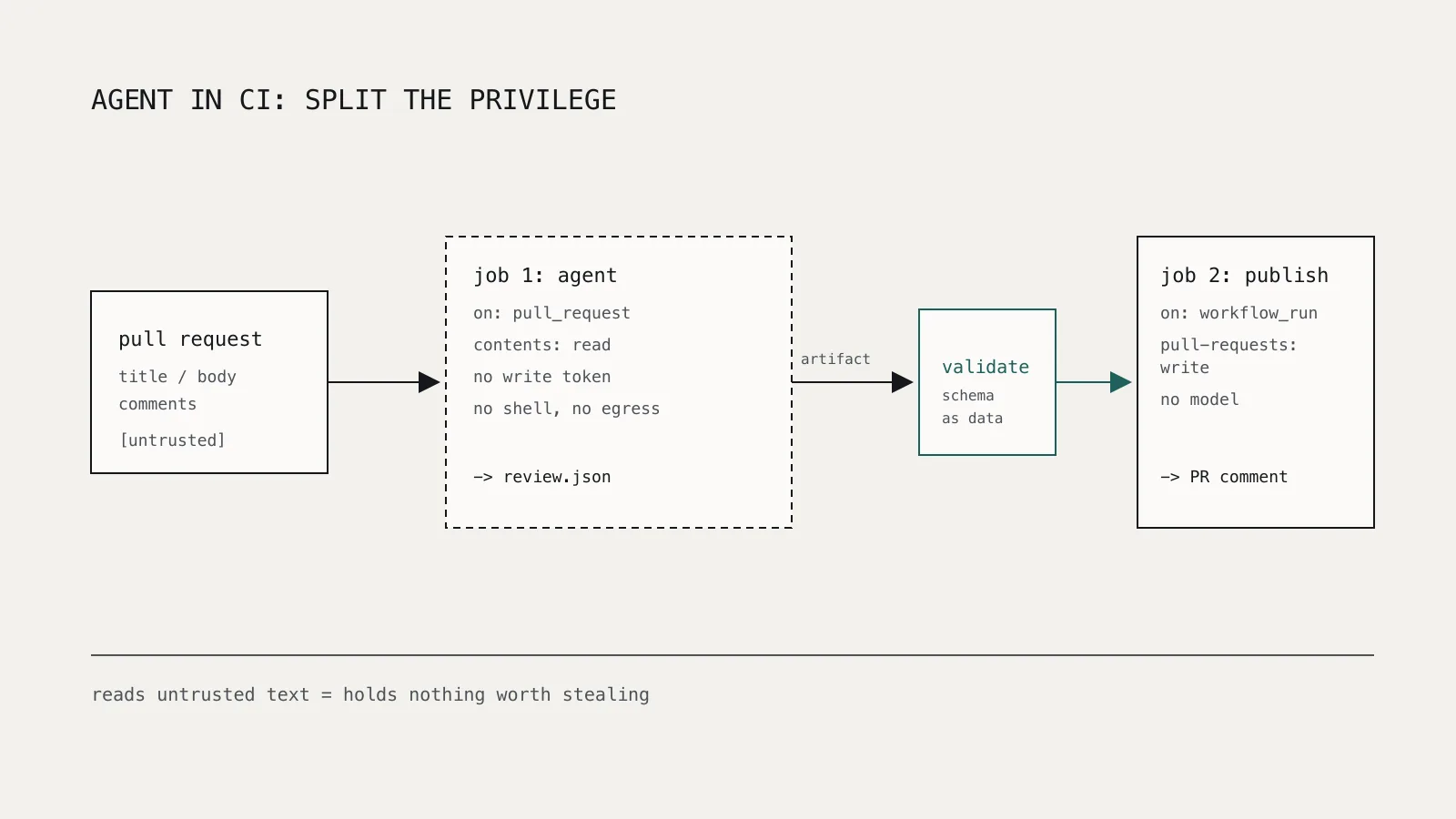
For headless runs, set the working directory explicitly in the job definition, never inherit it from the caller. When the agent operates on a repository you did not write, Claude Code's documentation recommends --setting-sources user or --bare so the project's settings, hooks, and .mcp.json servers are not loaded. Our guide to running AI coding agents in GitHub Actions covers the secrets side of the same problem.
5. Look for stray instruction files
A quick sweep finds files that would apply to more than one project:
find "$HOME" -maxdepth 2 \( -name 'AGENTS*.md' -o -name 'CLAUDE*.md' \) -not -path '*/.claude/*' -print
Anything found directly in your home directory, Downloads, or Desktop deserves a look. Security teams with endpoint telemetry can alert on files with these names being written by a browser process.
What is the broader lesson for agent security?
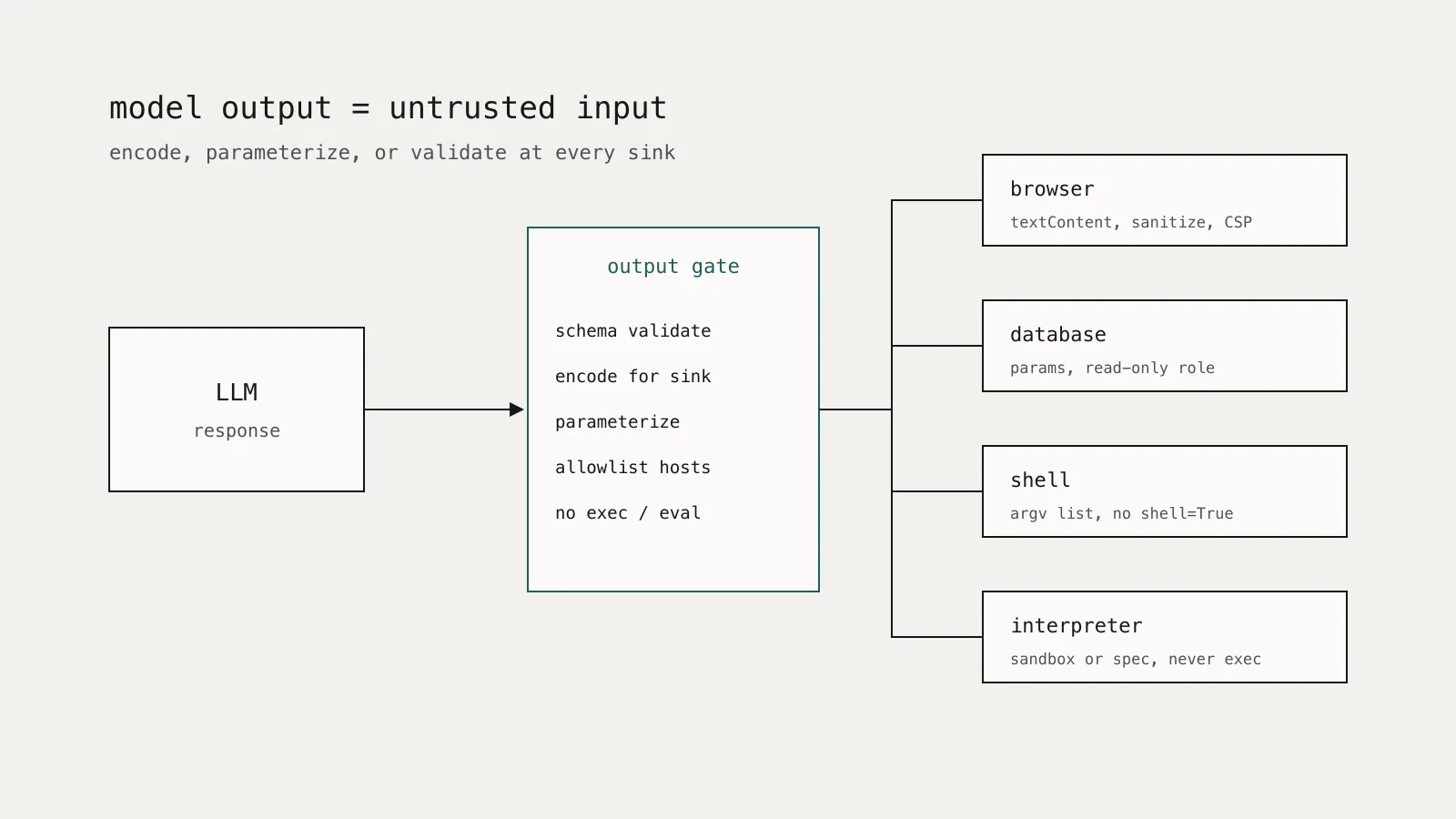
Instruction files are a form of prompt injection with a better delivery mechanism: the attacker does not need the agent to browse anywhere, only to start in a folder they can write to. As we argued in prompt injection is an access-control problem, you cannot reliably filter malicious instructions out of model context. You can control where context comes from and what the agent is allowed to do with it.
For coding agents, that means three questions before every session: which directory is this, which instruction files will load, and what can the agent run without asking. If you cannot answer all three, do not start the session there.